Geomagic Design X · On‑Site Training in Canada

Geomagic Design X
Training in Canada

A 3-day, hands-on reverse engineering course delivered at your facility, anywhere in Canada. Your team learns to turn scan data into parametric CAD on your own parts. Private, and taught by specialists.
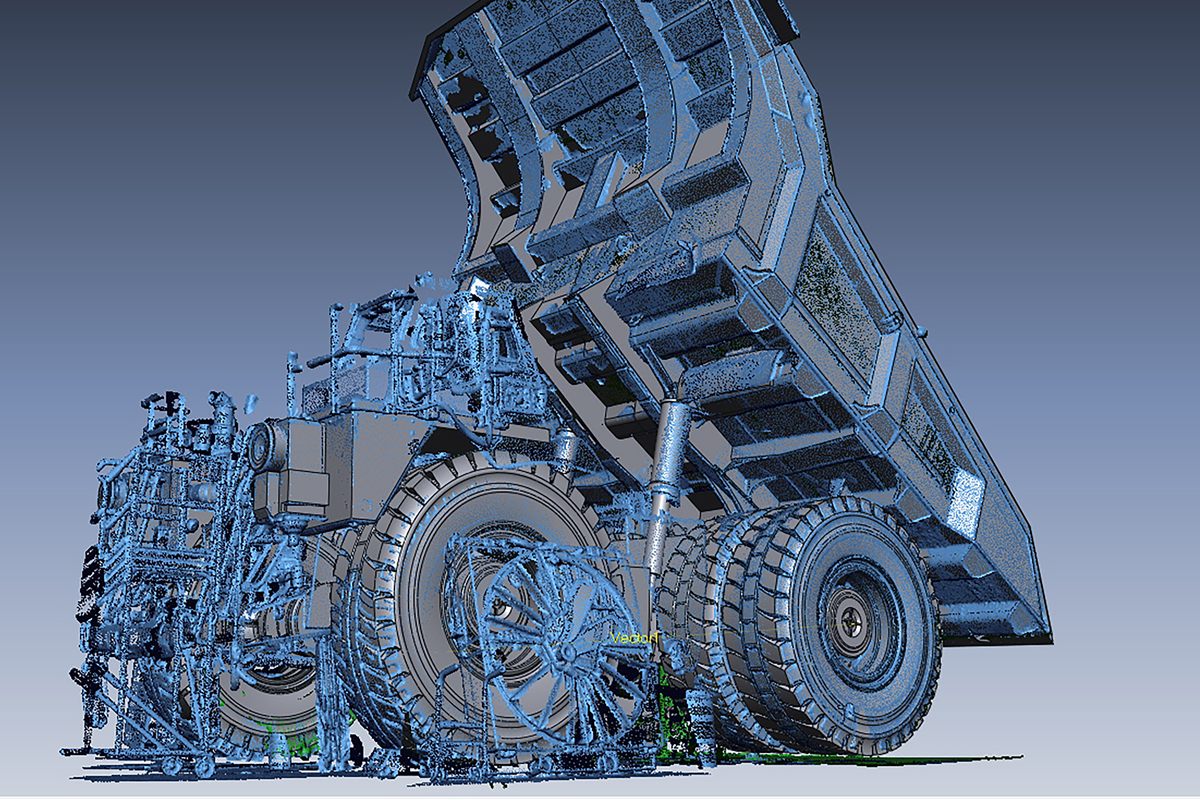
3 days, on-site anywhere in Canada. A private course for your team only, on your own parts, taught by Geomagic specialists. We respond to every training request within one business day. See all Geomagic courses.

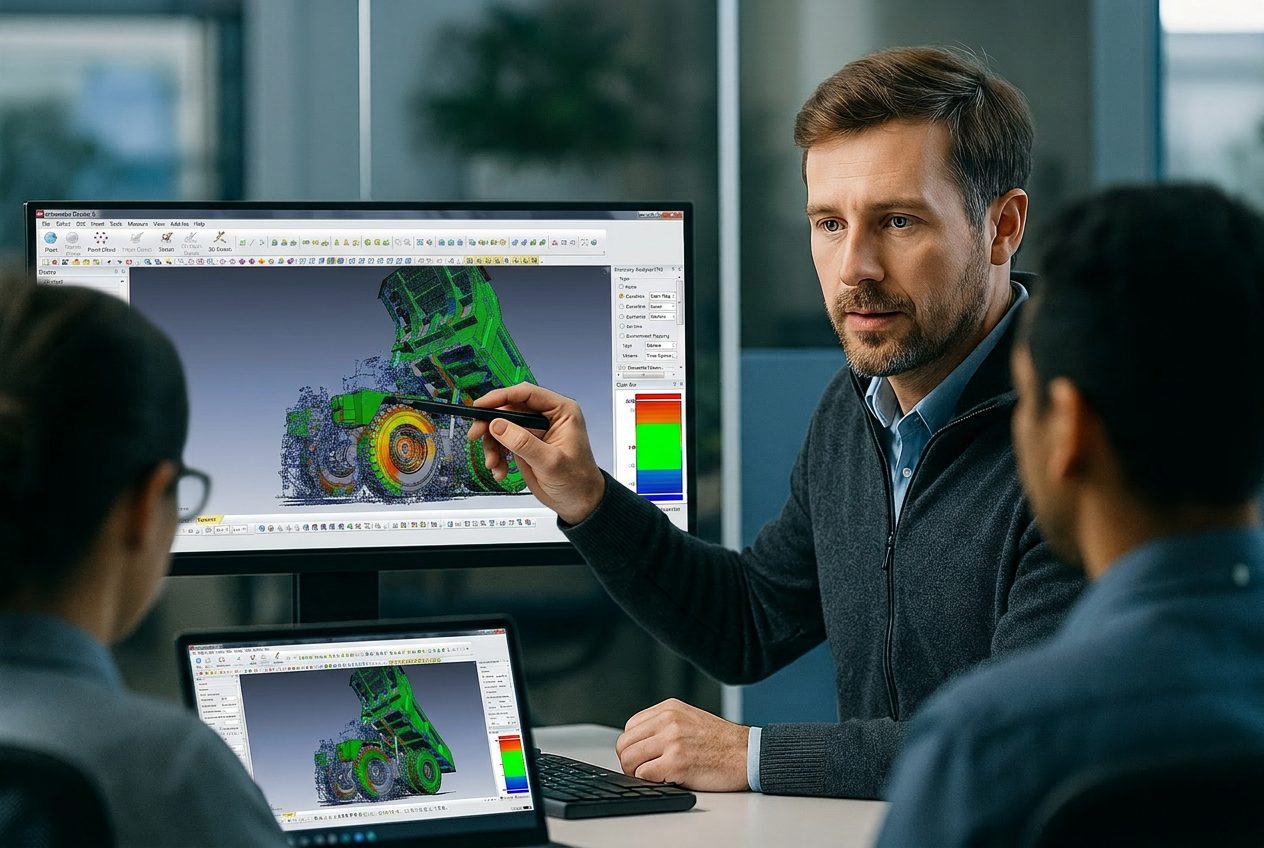
An instructor pointing to a scanned part and its CAD model in Geomagic Design X while a class follows along on laptops
3 DaysDuration
On‑siteDelivery
NonePrerequisites
FundamentalsLevel
Who It Is For

Built for Teams Turning Scans into CAD

Design X training suits any team that needs accurate, editable CAD from physical parts.

Design and Product Engineers

Rebuild legacy parts with no drawings or CAD, and design new parts that fit existing ones.

Tooling and Manufacturing Teams

Recreate worn moulds, dies, fixtures and spare parts from scan data instead of measuring by hand.

Teams with a New Scanner

You have the scanner and the licence. Now you need a repeatable process the whole team follows.

Engineering
Managers

Bring your whole team to the same standard, instead of relying on one self‑taught power user.

Course Outline

What You Will Learn, Day by Day

Three days covering the full Design X workflow, from raw scan to finished CAD model. The detailed agenda is available on request.

Scan dataClean meshRegions and alignmentParametric and surface modelsYour CAD platform
Day 1

Scan Data
and Meshes

Day 1 turns raw scans into a clean, watertight mesh: the foundation every Design X model is built on. You finish the day with scan data ready to model.

  • Process raw scans and combine them into one clean mesh
  • Repair holes and noise, and reduce file size without losing detail
  • Check accuracy at every step with deviation analysis
Day 2

Regions, Alignment and Parametric Modelling

Day 2 turns the mesh into design intent: regions, alignment and parametric features. Automatic region segmentation and best-fit alignment use Design X Pro.

  • Split the mesh into regions that capture design intent
  • Align scans to the part's own features or to existing CAD
  • Build parametric features and freeform surfaces from scan data
Day 3

Exact Surfacing and Finished Models

Day 3 finishes the job with high-accuracy surfaces and complete models. Exact surfacing uses Pro tools. Go and Plus teams work with the tools their tier includes.

  • Lay out feature lines and a clean patch network
  • Fit high-accuracy surfaces and build hybrid models
  • Send models to your CAD platform, then run the workflow on your own parts
How We Run It

Private Training at Your Facility

Every Design X course is private to your team and delivered on-site, anywhere in Canada. OptimumARC is a Geomagic authorized training partner, founded in 2009 and based in Canada.

An instructor walking a team through a scanned part on a large screen while they follow along on laptops
1

Pre-Training Call

We talk through your scanner, CAD platform and Design X tier, then shape the course around them.

2

On-Site Delivery

Our instructors come to you, anywhere in Canada, so your team trains in its own environment.

3

Your Parts and Scan Data

Your team practises on your own parts and scan data, so new skills go straight into daily work.

4

Follow-Up Support

After the course, your team can come back to us with questions on live projects.

Trusted by leading Canadian institutions and organizations

Want the Detailed Agenda?

We share the full Design X agenda with teams planning training. Tell us about your team and we will send it.

Request the Full Course Agenda
FAQ

Design X Training Questions

Do we need our own Design X licences and a 3D scanner?

Each trainee needs a computer with Design X installed. A scanner is not required during the course. We work from scan data your team already has, and if you do not have any yet, we plan around that on the pre-training call.

Does the course match our Design X licence tier?

Yes. Design X comes in Go, Plus and Pro tiers, and some tools, such as advanced surfacing, depend on the tier. We tailor the course to the licence tier your team runs, so no one spends time on tools they do not have.

Does anyone need CAD or reverse engineering experience?

No. This is a fundamentals course with no prerequisites. Engineers who already use a CAD package will find the parametric modelling familiar, but it is not required.

Can we train on our own parts?

Yes, that is how we run it. We ask about your parts and scan data on the pre-training call so the course reflects the work your team does every day.

Should we take Design X or Geomagic for SOLIDWORKS training?

If your team models only in SOLIDWORKS and needs scan-to-CAD inside it, Geomagic for SOLIDWORKS training is usually the better fit. If you need deeper mesh repair, exact surfacing or output to more than one CAD platform, choose Design X.

Keep Exploring

Other Geomagic Training Courses

Get Your Team Productive in Design X

Tell us about your team, your scanner and your parts. We will come back with a training plan and a quote.

Request a Training Quote All Geomagic Training →