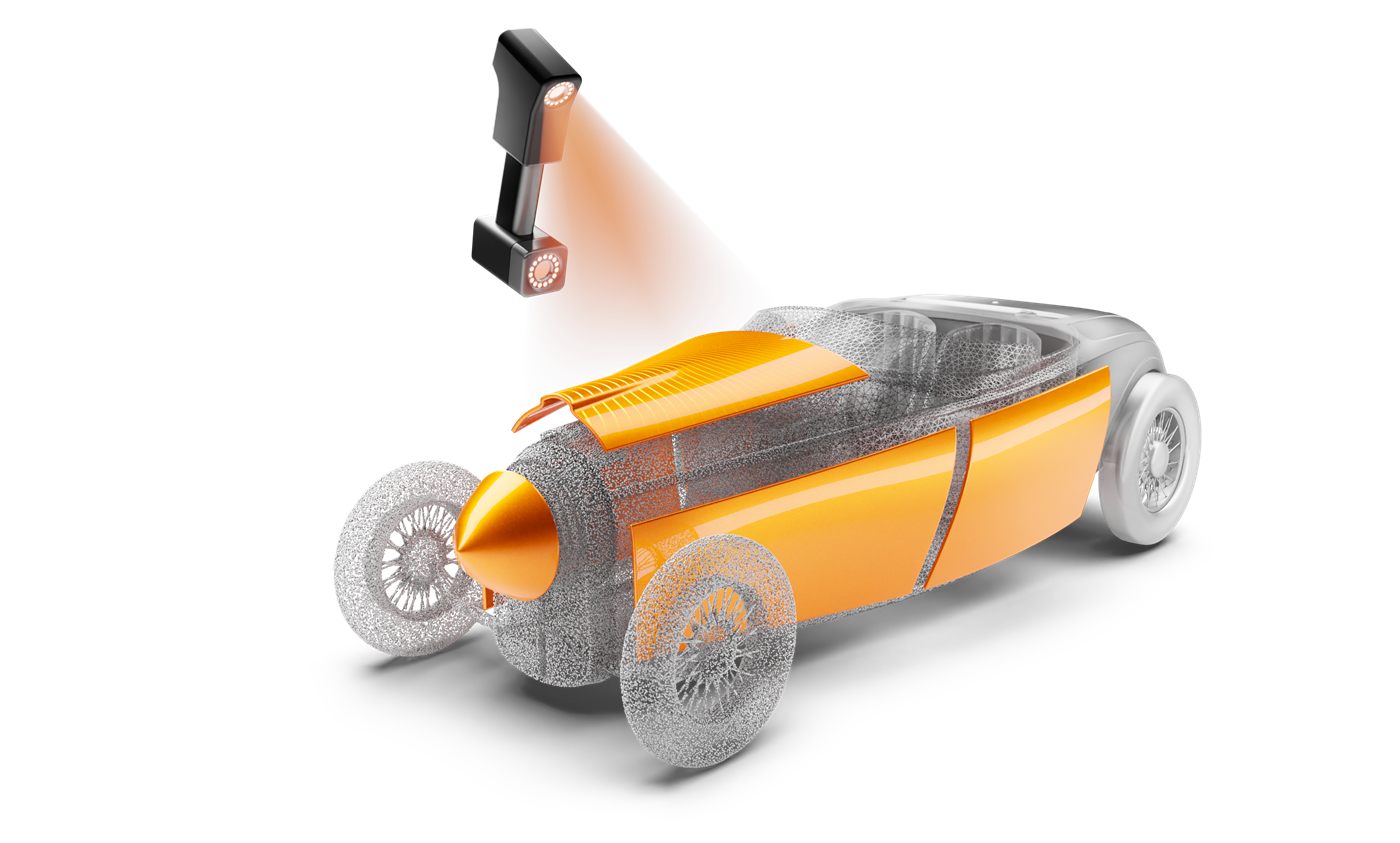
Geomagic Wrap · Mesh Processing & Scan Data

Geomagic Wrap
Scan Processing Software

The scan data processing specialist. Geomagic Wrap handles complex mesh work that other tools cannot, and we build the workflows that make it repeatable, clean, and ready for downstream use.
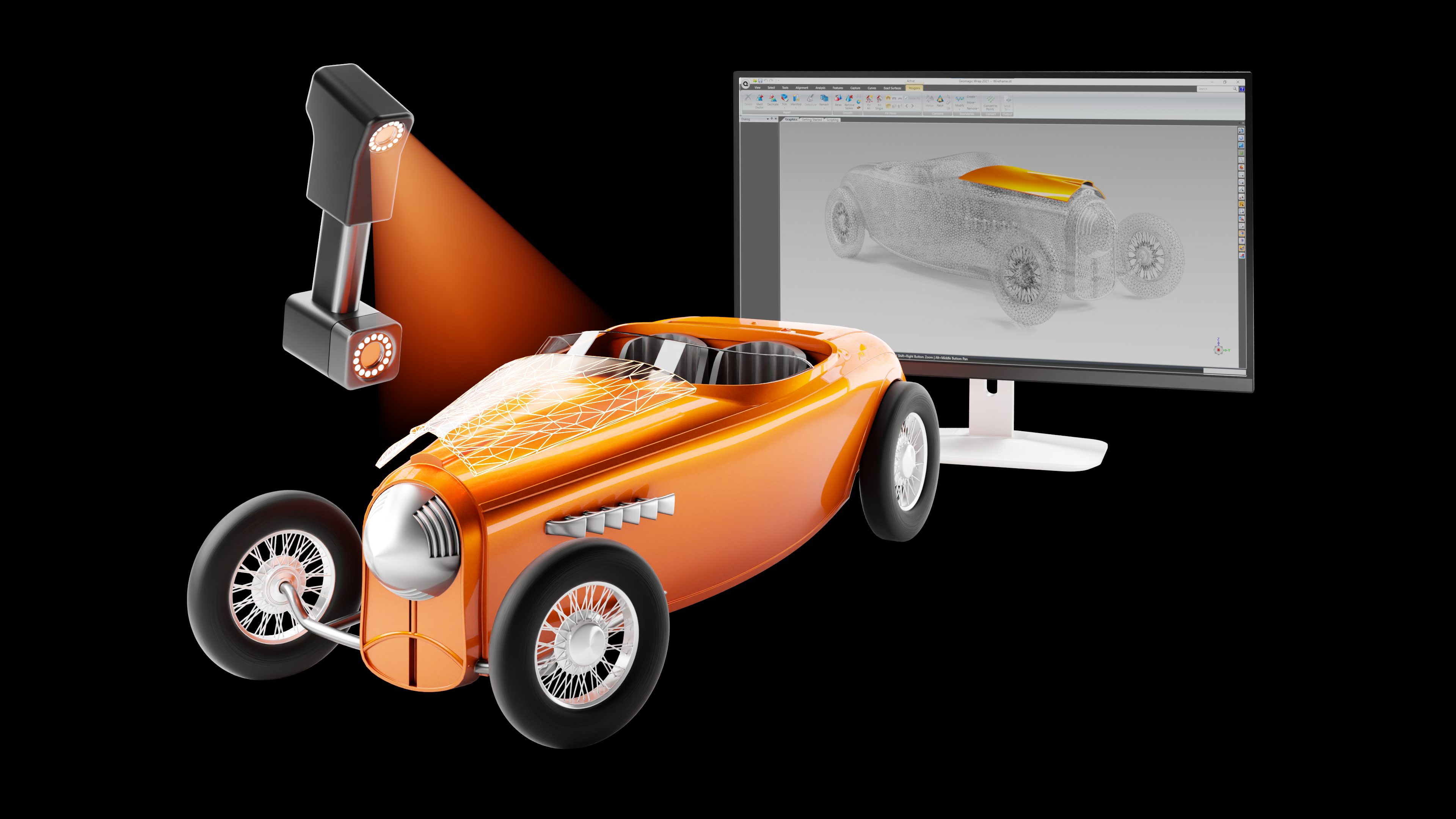
Geomagic Wrap 3D scanner point cloud processing, scan data to mesh workflow
What Is Geomagic Wrap

Advanced Scan Data Processing & Mesh Editing

Geomagic Wrap is professional scan data processing software. It turns point clouds, probe data and imported files such as STL and OBJ into clean polygon meshes and accurate NURBS surface models, ready for immediate use downstream. It is the prep step before Design X or Control X when scan data needs serious work, and the finishing step for 3D printing and archiving. OptimumARC is an authorized Geomagic partner and authorized training partner based in Canada. We supply Wrap licences, build your processing workflow and train your team to run it.

Handheld 3D scanner capturing a car model, shown moving from raw polygon mesh wireframe to finished surface in Geomagic Wrap

Mesh Processing

Clean, repair and optimize raw scan data: fill holes, remove noise, reduce polygon count and prepare accurate meshes for engineering.

Exact Surfacing

Convert meshes into NURBS surfaces with full control over patch layout, surface quality and continuity, then export to IGES, STEP, Parasolid and more.

Multi-Format Output

Export clean data to STL, OBJ, PLY, STEP, IGES and more, ready for 3D printing, downstream CAD, simulation or visualization.

Use Cases

What Teams Use Geomagic Wrap For

These are the scan data jobs we build Wrap workflows for most often.

Mesh Repair and Cleanup

The Remesh tool rebuilds clean polygon models from dirty scan data. Polygon tools handle hole filling, smoothing, patching and watertight models.

Heritage and Organic Shapes

Artifacts, anatomy, sculpture and freeform parts that parametric CAD cannot capture. Wrap keeps the full surface for archiving or analysis.

3D Printing Prep

Send watertight models straight to 3D printing, rapid prototyping or CNC. Colour scan data can be saved as texture maps for colour prints.

Prep for Design X or Control X

Prep difficult scans in Wrap, then hand a clean, aligned mesh to Design X for reverse engineering or to Control X for inspection.

VFX and Game Assets

Scanned props, characters and sets become clean, production-ready meshes for film and games. We have trained VFX studios on this.

Automated Processing

Scripting and macros automate repetitive steps, so every scan goes through the same processing routine, the same way every time.

Choosing the Right Tool

Wrap, Design X or Control X?

All three start from the same scan data. The difference is what you need at the end.

QuestionWrapDesign XControl X
Main jobClean and finish scan dataReverse engineer to CADInspect parts against CAD
OutputPolygon meshes and NURBS surfacesEditable parametric CADInspection reports and GD&T results
Needs nominal CADNoNoYes
Best forOrganic shapes, heritage, 3D printingLegacy parts, tooling, redesignFirst article, supplier QC
Many teams use Wrap with one of the others. Wrap preps the data, Design X or Control X finishes the job. Our Design X vs Control X guide covers the next choice.
Wrap Services

How We Work With You

Every engagement follows the same path: discover, design, deploy. We review your scanner, your data and the output you need, build the Wrap workflow around it, then implement it and train your team to run it.

Wrap Training

Authorized Geomagic Wrap training, hands-on with your own scan data and focused on the tools your team needs. Delivered on-site at your facility.

View the Wrap Course →

Wrap Workflow Development

We design your processing workflow from raw import to clean output, and build scripted macros that automate repetitive steps for production work.

Discuss Your Workflow →

Pipeline Integration

Connect Wrap to Design X or Control X downstream. We design the full scan pipeline so every tool hands off cleanly to the next.

Compare Design X and Control X →
FAQ

Geomagic Wrap Questions

What is the difference between Geomagic Wrap and Design X?

Wrap turns scan data into clean polygon meshes and NURBS surface models. Design X goes further and builds editable parametric CAD. If you need a watertight mesh or a surface model, Wrap is enough. If you need a CAD part your engineers can edit, you need Design X.

Does Geomagic Wrap work with my 3D scanner?

Yes, in most cases. Wrap supports a very wide range of non-contact scanners and probe devices, reads native formats from brands such as Faro, Leica, GOM and Nikon, and accepts any device that exports XYZ or ASCII data.

Can Wrap prepare files for 3D printing?

Yes. Wrap builds watertight polygon models and exports STL, OBJ, PLY and other formats for 3D printing, rapid prototyping and CNC. Colour scan data can be saved as texture maps for colour prints.

Do we need Wrap if we already have Design X or Control X?

Not always. Both include their own mesh tools for routine scan data. Wrap earns its place when scans are noisy, incomplete or organic, or when the finished product is a mesh or surface model rather than CAD or a report.

How long does Wrap training take?

Our Wrap course runs 2 days, delivered on-site at your facility. We shape it around your own scans and the output you need. See the Wrap course outline.

Can we buy Geomagic Wrap licences in Canada?

Yes. OptimumARC is an authorized Geomagic partner based in Canada and sells Wrap licences directly, with Canadian support and optional training.

Related Services

Explore What We Offer

Complex Scan Data? We Know Wrap.

Book a free consultation. Bring your most challenging scan data, we will show you how Wrap can handle it.

Book a Wrap Consultation Get a Wrap Licence Quote →