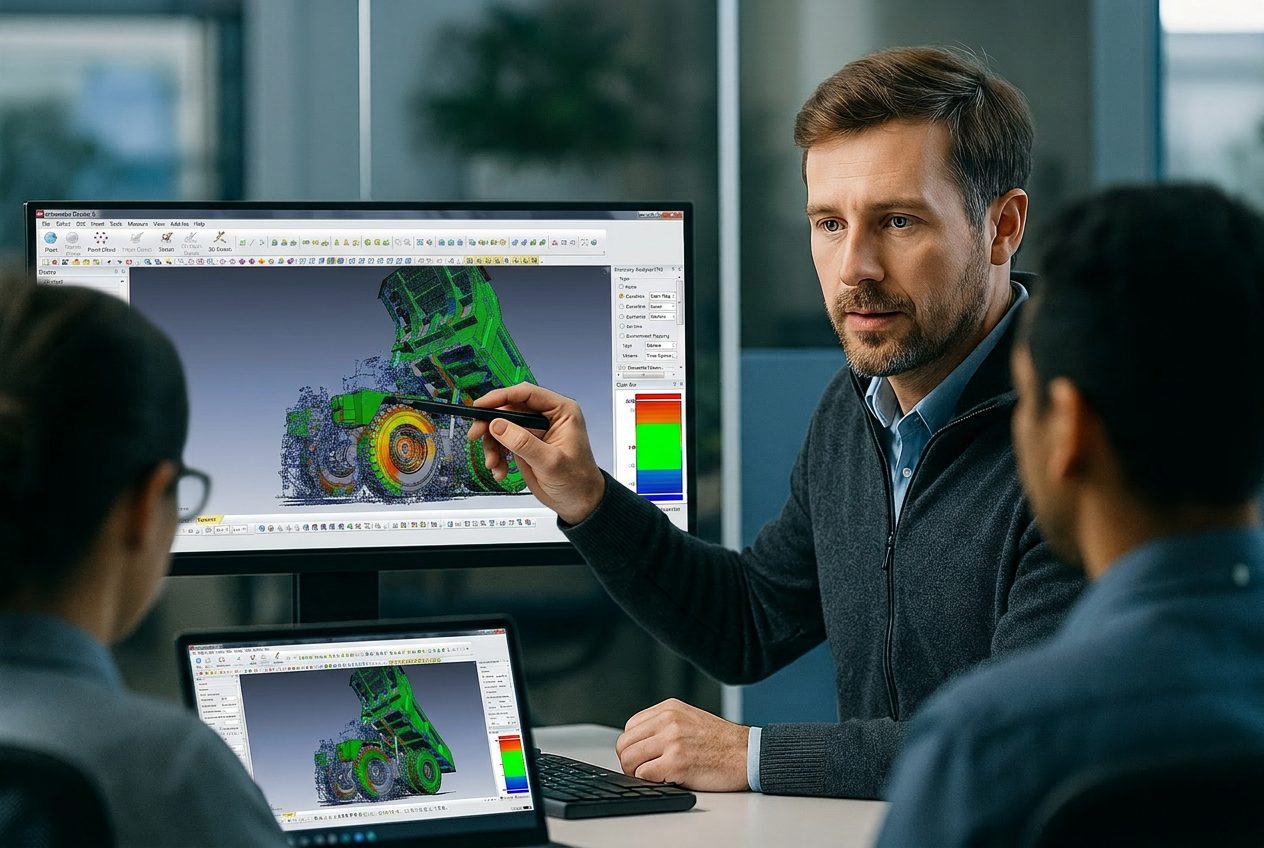
A 2-day, hands-on scan-to-CAD course delivered at your facility, anywhere in Canada. Your SOLIDWORKS users learn to turn scans of your own parts into feature-based models.
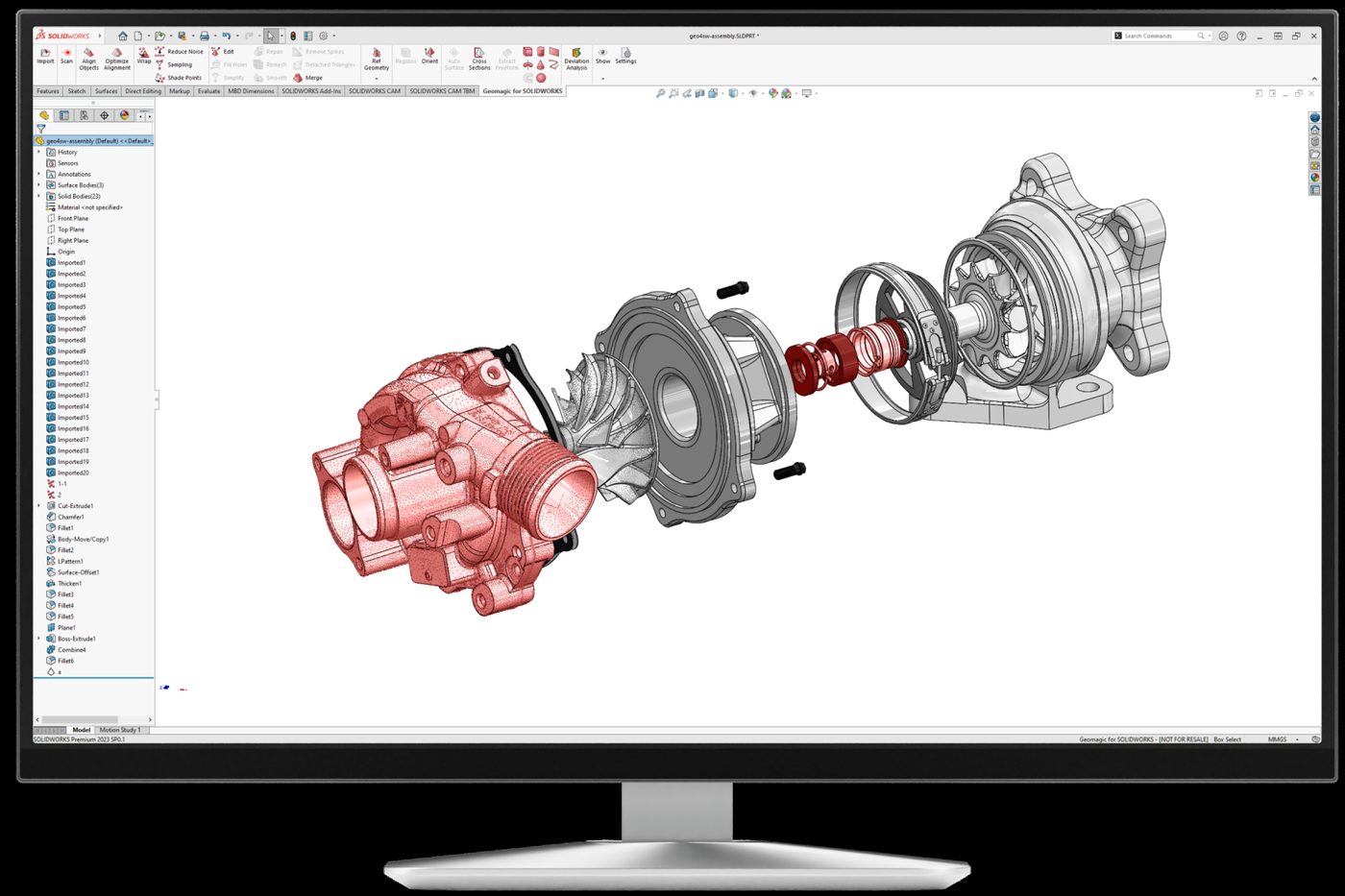
Geomagic for SOLIDWORKS training suits teams that already model in SOLIDWORKS and want scan data in the same environment.
Add scan-to-CAD to the tool you already know, without learning a second CAD environment.
Rebuild legacy parts, worn moulds and fixtures that have no drawings, straight into your feature tree.
Design new parts and accessories around scanned mating parts so they fit the first time.
Give your SOLIDWORKS team a repeatable scan-to-part process instead of one-off workarounds.
Two days that take your SOLIDWORKS users from raw scan to finished, feature-based part, ending with a workshop on your own parts. The detailed agenda is available on request.
Day 1 brings your scan data into SOLIDWORKS and turns it into a clean, aligned mesh, ready for modelling.
Day 2 turns the mesh into native SOLIDWORKS parts, from quick auto surfaces to feature-based models you can edit.
Every Geomagic for SOLIDWORKS course is private to your team and delivered on-site, anywhere in Canada. OptimumARC is a Geomagic authorized training partner, founded in 2009 and based in Canada. Courses are delivered by engineers, with P.Eng-led leadership.
We talk through your scanner, SOLIDWORKS setup and parts, then shape the course around them.
Our instructors come to you, anywhere in Canada, so your team trains in its own environment.
Your team practises on your own parts and scan data, so new skills go straight into daily work.
After the course, your team can come back to us with questions on live projects.
We share the full Geomagic for SOLIDWORKS agenda with teams planning training. Tell us about your team and we will send it.
Each trainee needs a computer with SOLIDWORKS and Geomagic for SOLIDWORKS installed. A scanner is not required, since the course can work from imported scan data. If you want to scan directly into SOLIDWORKS, tell us about your scanner on the pre-training call.
A working knowledge of SOLIDWORKS: sketching, features and the feature tree. The course teaches the scan-to-CAD tools, not SOLIDWORKS itself.
Yes. The course ends with an afternoon workshop on your own parts, and we ask about them on the pre-training call so the whole course reflects your work.
Geomagic for SOLIDWORKS supports direct scanning with a range of industrial scanners and arms, and imports standard point and polygon formats. We confirm your scanner and setup on the pre-training call.
If your team models only in SOLIDWORKS, Geomagic for SOLIDWORKS training is usually the better fit. If you need deeper mesh repair, exact surfacing or output to more than one CAD platform, choose Design X.
Tell us about your team, your scanner and your parts. We will come back with a training plan and a quote.