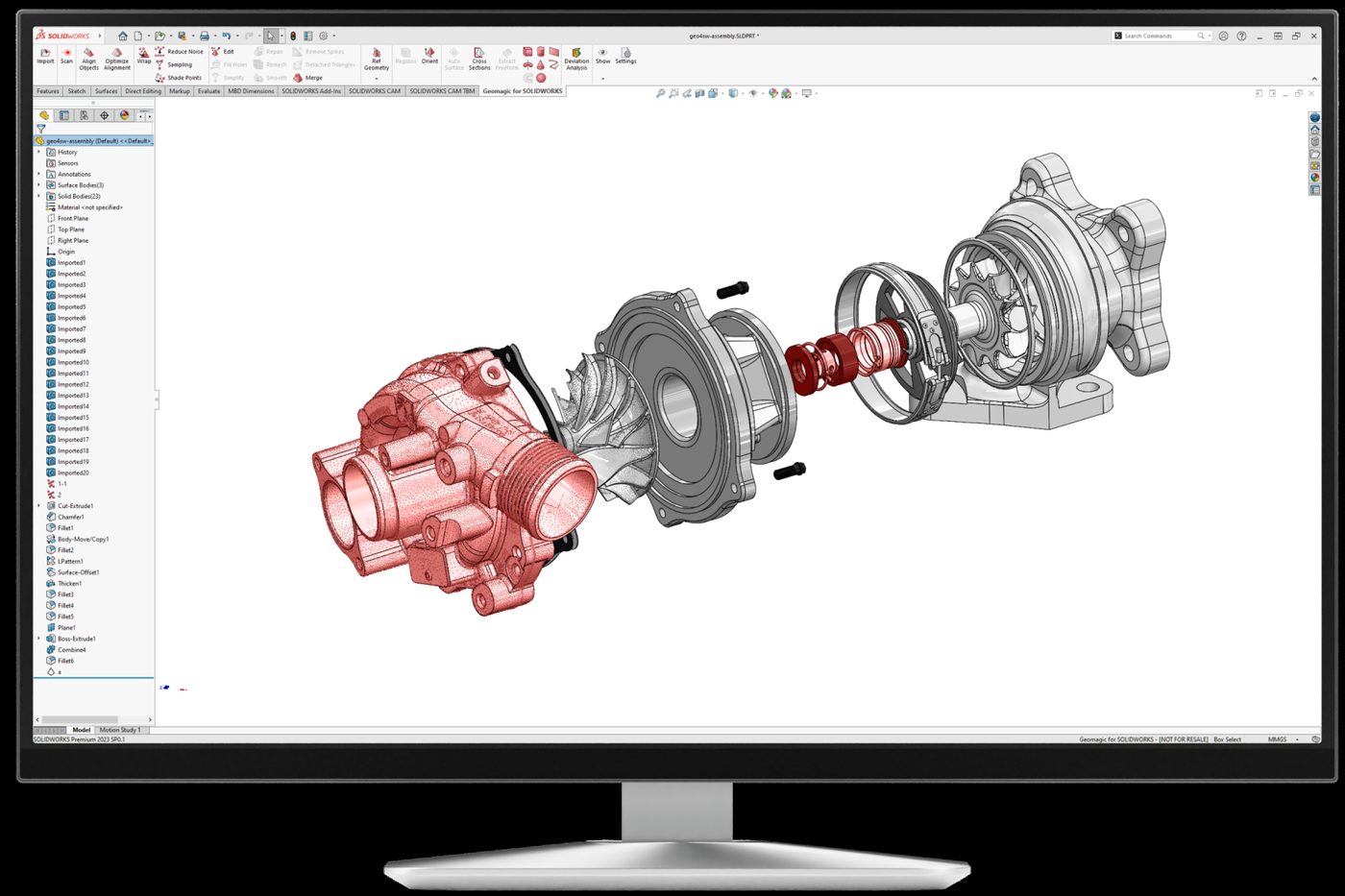
Scan straight into SOLIDWORKS and build feature-based solid parts without leaving your CAD environment. We set it up, connect your scanner, and train your team on your own parts.
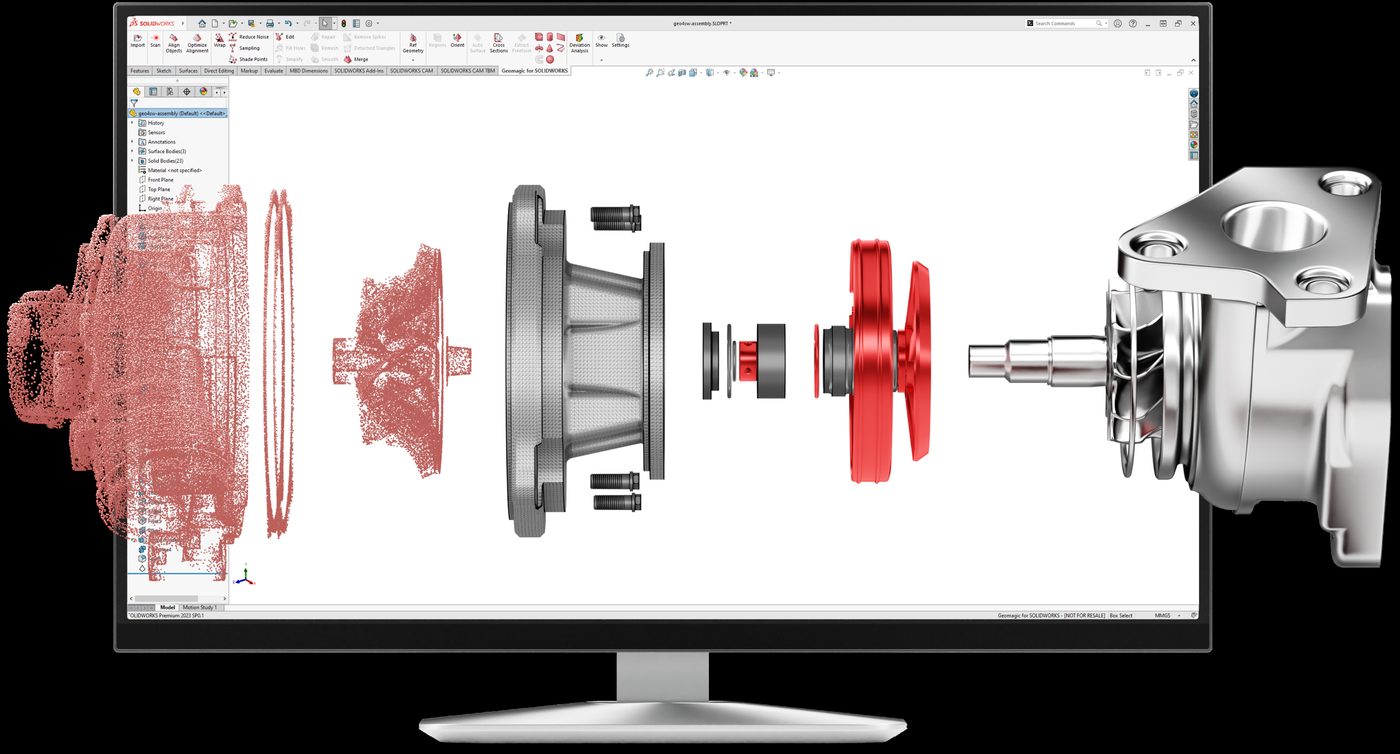
Geomagic for SOLIDWORKS is a Hexagon plug-in that adds scan processing and feature extraction tools directly to the SOLIDWORKS ribbon. Scan or import point clouds and meshes, then use automated wizards to create accurate sketches, surfaces, and editable solid parts. It is a Certified Gold Product for SOLIDWORKS, and the fastest route to scan-based design for teams who already work in SOLIDWORKS every day.
Scan or probe features and sketches without leaving SOLIDWORKS. Supports Hexagon scan arms, Creaform handheld scanners, Artec (via Artec Studio), FARO arms, and Nikon arms, plus import of STL, PLY, OBJ, and other standard point and polygon formats, including colour data.
Extrude, revolve, sweep, pipe, freeform surface, and primitive fitting wizards turn scan regions into native SOLIDWORKS features. One-button auto surfacing handles organic shapes. Mesh cleanup (decimation, smoothing, noise reduction, hole filling) is built in.
Every wizard includes a deviation check against the scan, so you see how accurate each feature is as you model it. Make design decisions with real numbers and keep design intent intact from the first sketch to the finished part.
Point clouds and polygons become useful design data inside the tool your engineers already know. No file round-tripping, no second CAD environment to learn.
Legacy part with no drawings? Worn or broken mould that needs recreating? Scan it, extract the features, and combine scan-driven modelling with dimension-driven design in one SOLIDWORKS workflow.
Bring the mating part into SOLIDWORKS as scan data and design your new component against it. Brackets, fixtures, retrofits, and aftermarket parts fit the first time, not the third.
Freeform surfaces that hand tools and calipers cannot measure. Custom parts that must fit the human body. Auto surfacing turns complex scans into usable solids for manufacturing.
Authorized Geomagic training in Canada, built for SOLIDWORKS users. Scan intake, mesh prep, regioning, and feature extraction, taught hands-on with your own parts. In-person or remote.
We install the plug-in, connect your scanner or arm to SOLIDWORKS, configure alignment and probing, and build templates so your team starts on real work from day one.
We map your scan-to-part process end to end, document it, and hand it over. A repeatable workflow your engineers own, not one that depends on a single power user.
Both come from Hexagon. Both turn 3D scans into CAD. The difference is depth, and where your model needs to end up.
| Feature | Geomagic for SOLIDWORKS | Geomagic Design X |
|---|---|---|
| Where you work | Inside SOLIDWORKS | Standalone reverse engineering environment |
| Scanners supported | Key scanners from FARO, Hexagon, Artec, Creaform, Nikon, 3D Systems | Direct control or file import for every major scanner on the market |
| File import | Standard point and polygon formats (STL, PLY, OBJ and more) | 60+ formats including polygons, point clouds, and CAD |
| Mesh tools | Decimation, smoothing, noise reduction, hole filling | Healing, remesh and hole filling in every tier; full suite with rewrapping and booleans in Pro |
| Feature extraction | Extrude, revolve, sweep, freeform, primitives, cross-sections | All of the above plus automatic sketch constraints and fully parametric history; Pipe and Loft wizards in Pro |
| Deviation analysis | Mesh-to-CAD deviation at any time | Accuracy Analyzer: curvature, continuity, mesh-to-mesh, and more |
| Colour, helix, batch processing | Not included | Included in Design X Pro |
| CAD output | SOLIDWORKS only | LiveTransfer to SOLIDWORKS, NX, Creo, AutoCAD and Inventor, plus neutral formats |
Book a free consultation. Bring a part, and we will show you how it gets from scan to feature tree.