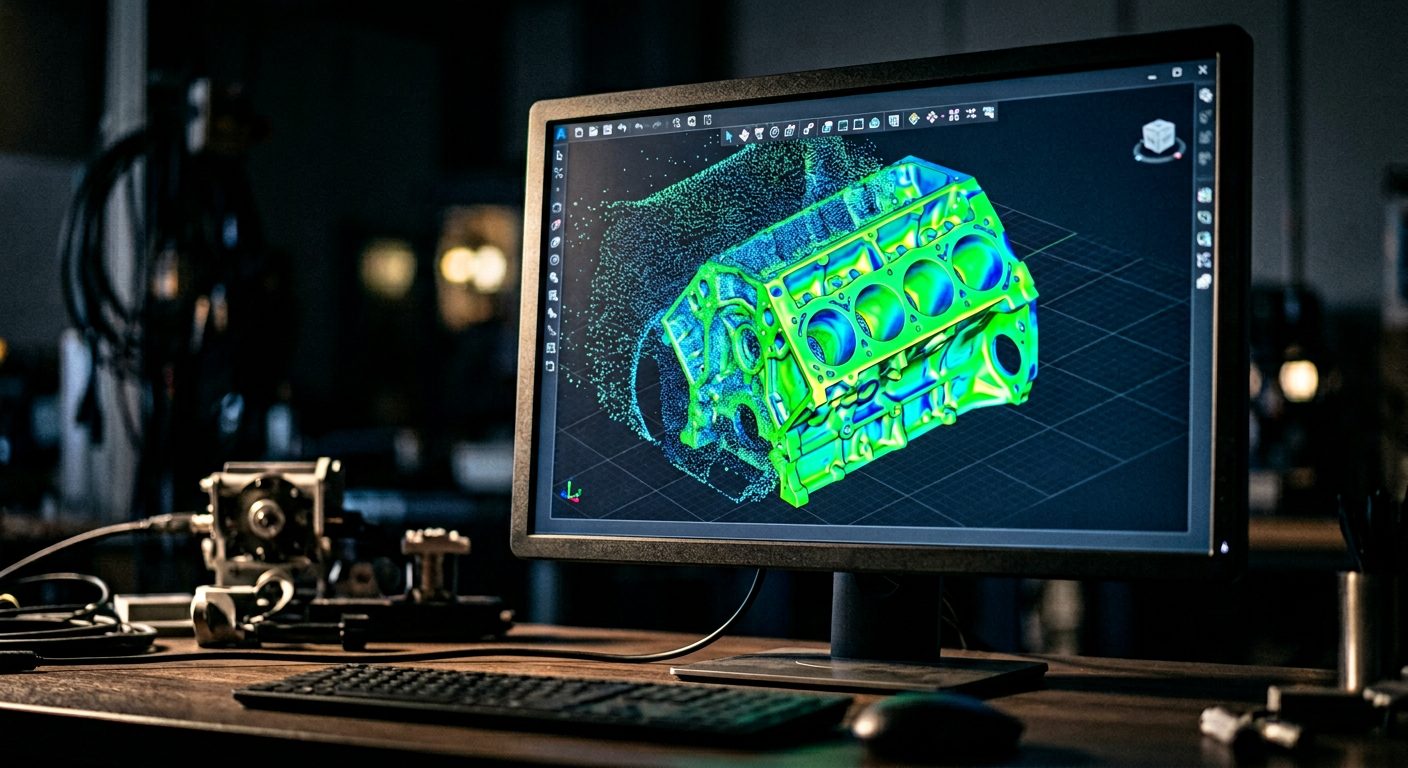
Both tools use 3D scan data as their starting point. That is where the similarity ends. Design X turns scan data into parametric CAD models. Control X turns scan data into dimensional inspection reports. They are categorically different tools that serve different people in your organization for different purposes.
Understanding the distinction before you commit saves time, budget, and frustration.
This guide explains exactly what each tool does, who it is for, and how to make the right call before you commit budget.
Geomagic Design X: Reverse Engineering Software
Design X is a reverse engineering platform. You feed it a 3D scan of a physical part, and it helps you build a parametric CAD model of that part, a model you can edit, modify, and pass to your downstream engineering team.
The workflow looks like this: scan a part → import the point cloud or mesh into Design X → align the scan to a reference system → extract features (planes, cylinders, splines, complex surfaces) → build a parametric solid model → export to your CAD environment.
Design X integrates directly with all major CAD platforms: SOLIDWORKS, CATIA, Creo, NX, Inventor, and Solid Edge. You can push models directly into these environments and they come out as fully editable history trees, not dumb solids.
Who uses Design X?
Design X is used by mechanical engineers, design teams, and manufacturing engineers who need editable CAD from physical parts. Common situations include:
- Legacy components with no original CAD, reverse engineering tooling, fixtures, or OEM parts to create maintainable drawings
- Worn or deformed parts, capturing as-is geometry for redesign
- Organic geometry, freeform surfaces that cannot be drawn from scratch but can be captured by scan and surfaced in Design X
- Physical prototypes, scanning clay or foam models and converting them to parametric CAD for production engineering
What Design X outputs
The output of a Design X workflow is a parametric CAD model, .stp, .igs, or native files (for direct integration environments) that your team can open, modify, and manufacture from. Design X does not produce inspection reports. It produces geometry.
"The question to ask: do you need CAD output, or inspection output? If you need CAD, you need Design X. If you need a report, you need Control X. They are not interchangeable."
Geomagic Control X: Dimensional Inspection Software
Control X is a dimensional inspection and metrology platform. You feed it a 3D scan of a manufactured part, align it to its nominal CAD model (the design intent), and it produces an inspection report showing exactly where and how much the physical part deviates from the design.
The workflow: scan a part → import into Control X → import the nominal CAD model → align part to CAD → run GD&T callouts, surface deviation analysis, and cross-section checks → generate an inspection report.
Control X is fully GD&T compliant. It can evaluate flatness, cylindricity, true position, and profile of a surface. The output is a colour-coded deviation map and a structured inspection report your quality team can sign off on.
Who uses Control X?
Control X is used by quality engineers, metrologists, and manufacturing quality assurance teams. Common situations include:
- First article inspection, verifying that new tooling or production parts conform to drawing before approving production
- In-process inspection, spot-checking parts during a production run to catch drift before you make scrap
- Supplier quality, inspecting incoming parts against your nominal model rather than relying on the supplier's cert
- Tooling and fixture verification, confirming that a mould, die, or fixture matches the designed geometry
- Post-weld or post-machining inspection, checking that heat distortion or material removal stayed within tolerance
What Control X outputs
The output of a Control X workflow is an inspection report, a PDF or structured data export showing pass/fail status for each inspection callout, colour-coded deviation maps, and dimensional measurements against nominal. Control X does not produce editable CAD. It produces verification data.
Side-by-Side Comparison
| Dimension | Geomagic Design X | Geomagic Control X |
|---|---|---|
| Primary purpose | Reverse engineering, create CAD from physical parts | Dimensional inspection, verify parts against CAD |
| Core question | "What is the geometry of this part?" | "Does this part conform to its design?" |
| Input | 3D scan of physical part (no nominal CAD required) | 3D scan of physical part + nominal CAD model |
| Output | Parametric CAD model (.stp, .igs, native CAD) | Inspection report, deviation maps, GD&T results |
| Primary user | Mechanical engineers, design teams | Quality engineers, metrologists |
| CAD integration | Deep, direct push to SolidWorks, CATIA, Creo, NX, Inventor | Import nominal CAD for reference; no push to CAD |
| GD&T support | Not the primary function | Full GD&T support |
| Reporting | No structured inspection reporting | PDF inspection reports, pass/fail summaries |
| Requires nominal CAD | No | Yes, you need a design model to inspect against |
| Training curve | Steep, requires CAD modelling skill | Moderate, requires metrology and GD&T literacy |
How to Choose the Right Tool
The simplest decision framework: ask yourself what you need at the end of the workflow.
Choose Design X if you need to...
- Create a CAD model from a physical part
- Reverse engineer legacy components
- Capture freeform or organic geometry
- Generate editable parametric models
- Feed scan data into a CAD/CAM workflow
- Digitize parts with no original drawings
Choose Control X if you need to...
- Verify parts against a nominal design
- Run dimensional inspection and GD&T callouts
- Generate formal inspection reports
- Do first article inspection or supplier audit
- Detect and quantify manufacturing deviation
- Replace or augment CMM inspection
When You Need Both
Many mature 3D scanning workflows actually use both tools, at different stages, with different people.
A common pattern in aerospace MRO: use Design X to reverse engineer a worn component and create a replacement CAD model. Then use Control X to inspect the machined replacement part against that newly created model before it goes back into service. Two different tools, two different outputs, two different users, the same scan data set at the centre of both.
Another pattern in automotive: use Design X to digitize clay styling models and convert them to production CAD. Then use Control X throughout the stamping and forming process to verify that production panels are hitting the designed surface.
If your organization does both reverse engineering and quality inspection, you likely need both licences, and workflows that connect them. That is where a consulting engagement earns back its cost quickly. Getting the data handoffs right between Design X and Control X teams is a surprisingly common problem.
Things to Keep in Mind
Buying Design X for inspection. Design X can measure dimensions, but it cannot run a structured inspection against a nominal model with GD&T callouts and generate a reportable result. Teams that buy Design X expecting full inspection capability will find it is not designed for that purpose and lacks the reporting structure a quality workflow requires.
Buying Control X to create CAD. Control X can create simple geometry primitives, but it is not a reverse engineering platform. You cannot build a history-based parametric model from a scan in Control X. Teams that try end up manually recreating geometry in their CAD package from scratch, which defeats the purpose of scanning.
Buying the bundle without a plan. Bundle pricing is available for both tools together. That is often good value, if you actually need both. We have seen teams buy the bundle because it looked economical, then use only one tool because they had no workflow for the other. Getting a plan in place before you purchase makes both licences earn their keep.
Underestimating the training gap. Design X requires genuine CAD competency, understanding surface types, feature modelling strategy, and how your downstream CAD environment handles imported data. Control X requires GD&T literacy. These are different skill sets. Make sure the right people are trained on the right tool.
The Right Starting Question
Before you call a Geomagic reseller, answer this question: at the end of your workflow, what do you need in your hands?
If the answer is an editable CAD file. Design X.
If the answer is an inspection report. Control X.
If the answer is both, you need both, and you need a plan for how they connect.
We have spent 17 years implementing both tools across manufacturing, aerospace, automotive, and research environments. If you are not sure which tool fits your situation, or you are trying to build a workflow that uses both, that is exactly the conversation we have with new clients.